How to Send Bitcoin to Another Wallet: A Step-by-Step Guide
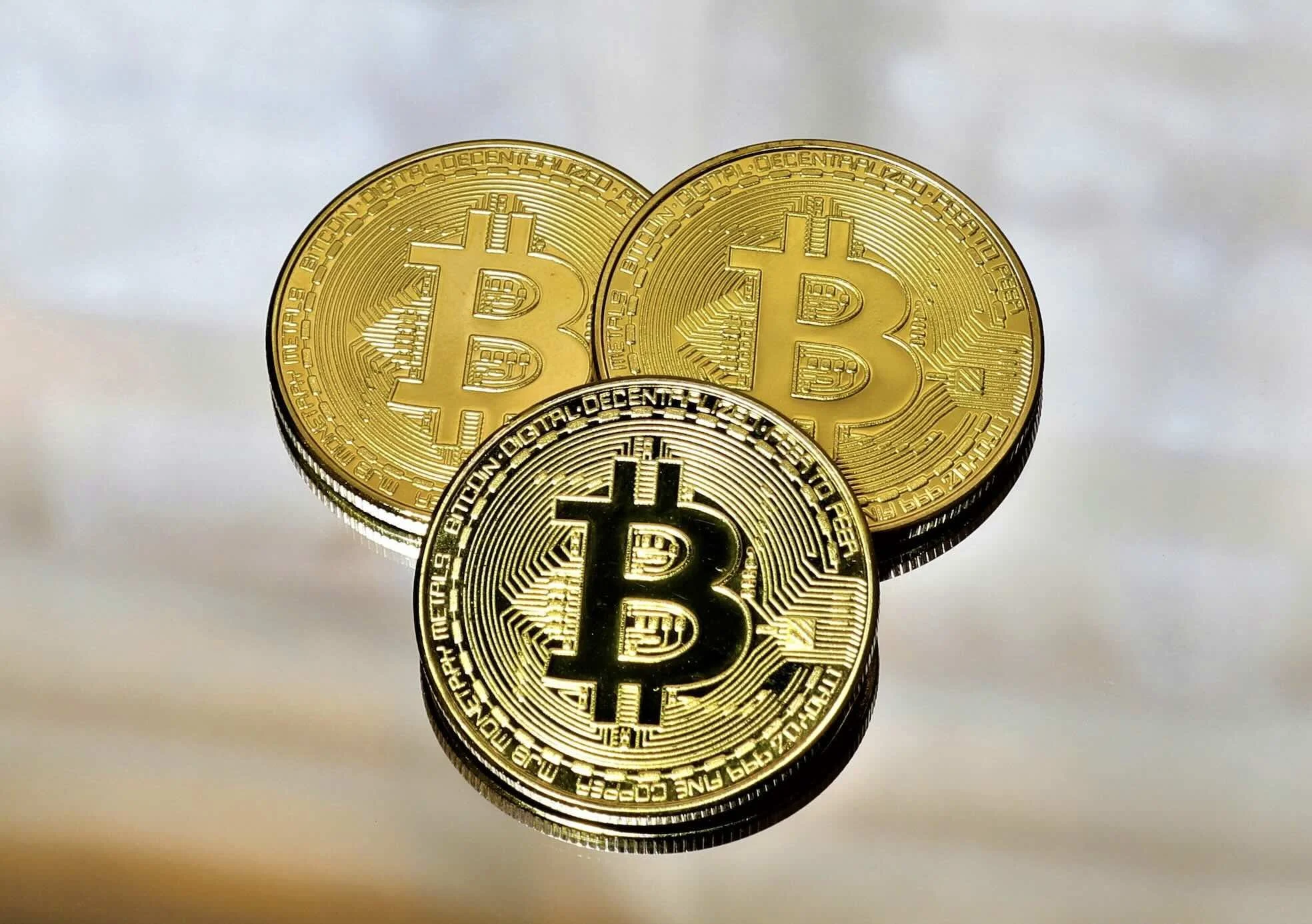
Sending Bitcoin to another wallet is one of the most common things Bitcoin holders do, and one of the most misunderstood. The mechanics are straightforward once you know them, but the first time can feel uncertain. Which address do you use? How long will it take? What does the fee cover? And what happens if something goes wrong?
This guide covers both transfer methods available to Bitcoin users, on-chain and Lightning Network, what each one requires, and what to check before you confirm. The right method depends on what you are trying to do: moving Bitcoin to a hardware wallet for long-term storage calls for a different approach than sending it to a contact abroad in seconds. Understanding the difference before you send is what this guide is for.
Two Ways to Send Bitcoin: On-Chain and Lightning Network
Before walking through the steps, it is worth understanding the two methods available for sending Bitcoin because they work differently and suit different situations.
| On-Chain | Lightning Network | |
|---|---|---|
| How it works | Transaction recorded directly on the Bitcoin blockchain | Transaction routed through off-chain payment channels |
| Speed | 10 minutes to 1 hour, sometimes longer | Seconds |
| Fees | Variable — higher during network congestion | Near-zero — typically a few satoshis |
| Best for | Large amounts, hardware wallet transfers | Small to medium amounts, everyday sending |
| Requires | Recipient's on-chain Bitcoin address | Lightning invoice, address, or phone number (on EvoMone) |
| Availability | All Bitcoin wallets | Lightning-compatible wallets only |
For most everyday transfers, sending Bitcoin to a friend, paying someone abroad, or moving a small amount between wallets, Lightning is faster, cheaper, and simpler. For larger transfers to cold storage or a hardware wallet, on-chain is the more appropriate route.
Before You Send: Three Things to Check
Rushing a Bitcoin transfer is the most common source of errors. Taking thirty seconds to check these three things before confirming any transaction will prevent the majority of mistakes.
1. Confirm the recipient's address or Lightning details
A Bitcoin on-chain address is a long string of letters and numbers, typically 26 to 35 characters for a legacy address, or beginning with bc1 for a native SegWit address. Always copy and paste rather than typing it manually. After pasting, verify the first four and last four characters against the original. This catches any clipboard manipulation or accidental editing.
For Lightning transfers, the recipient provides either a Lightning invoice (a one-time payment request), a Lightning address (formatted like an email, such as [email protected]), or, in EvoMone's case, simply their phone number, no address handling required.
2. Check the network
Some wallets support both on-chain Bitcoin and the Lightning Network. Sending an on-chain transaction to a Lightning invoice or vice versa will result in a failed transfer. Confirm which network the recipient's wallet is expecting before you send. If you are using EvoMone, the app handles this automatically based on how the recipient is identified.
3. Review the fee and amount
On-chain Bitcoin fees fluctuate with network demand. During periods of high congestion, fees can rise significantly. Most wallets offer fee options: standard, fast, or custom, with an estimate of confirmation time. You can check current network fees in real time at mempool.space before sending to choose the most cost-effective option. For non-urgent transfers, selecting a lower fee and waiting longer is a straightforward way to reduce cost. Lightning fees are typically negligible regardless of timing.
How to Send Bitcoin On-Chain: Step by Step
On-chain transfers follow the same basic process across all wallets and platforms. The interface varies, but the steps are consistent.
• Open your Bitcoin wallet and navigate to the Send function
• Paste the recipient's on-chain Bitcoin address into the address field; never type it manually
• Enter the amount you want to send, in either Bitcoin (BTC) or your local currency equivalent
• Select your preferred fee standard. Confirmation times are typically 30 to 60 minutes at a normal fee; faster options cost more
• Review the transaction summary, recipient address, amount, and total fee before confirming
• Confirm the transaction. Once submitted, an on-chain Bitcoin transfer cannot be reversed
• Copy or note the transaction ID (TXID) shown after confirmation. This allows you to track the transfer on a Bitcoin block explorer such as mempool.space
The recipient will see the transaction appear in their wallet as pending within a few minutes. It becomes spendable once the network reaches the required number of confirmations, typically one to six, depending on the receiving wallet's settings.
Ready to Send Bitcoin
Around the World?
Join thousands sending money home faster and cheaper with EvoMone. Buy bitcoin with your card and send it in minutes.
How to Send Bitcoin via Lightning Network: Step by Step
Lightning transfers are faster and involve fewer steps. The main variable is how the recipient shares their payment details.
Sending via Lightning invoice
• Ask the recipient to generate a Lightning invoice from their wallet. This produces a payment request string or QR code.
• Open your Lightning-compatible wallet and select Send
• Paste the invoice string or scan the QR code
• Confirm the amount. Most invoices are pre-filled, but some allow you to enter the amount yourself.
• Review and confirm. The payment settles in seconds.
Lightning invoices are single-use and expire after a set period, typically one hour. If the invoice has expired, ask the recipient to generate a new one.
Sending via Lightning address or phone number
Some wallets support Lightning addresses, permanent identifiers formatted like email addresses that allow you to send without generating a new invoice each time. EvoMone simplifies this further: you send Bitcoin to a contact using just their phone number, directly from the chat interface. There is no invoice to request, no address to copy, and no separate steps outside the conversation.
• Open a chat with the contact in EvoMone
• Tap the wallet icon in the message window
• Enter the amount and press send
• The Bitcoin arrives in the recipient's EvoMone wallet in seconds, wherever they are in the world.
Four Mistakes to Avoid When Sending Bitcoin
1. Sending to the wrong network
Sending Bitcoin to an Ethereum address, or confusing a Bitcoin on-chain address with a Lightning invoice, can result in a failed or unrecoverable transaction. Always confirm the network before sending. Most modern wallets flag mismatched addresses automatically, but not all do.
2. Not accounting for the fee
If you want to send your entire Bitcoin balance, you cannot send the full amount — the network fee comes out of your wallet balance. Most wallets have a 'send max' function that automatically deducts the fee from the total. Using this avoids a failed transaction caused by insufficient funds to cover the fee.
3. Using an expired Lightning invoice
Lightning invoices expire, usually within one hour of being generated. Attempting to pay an expired invoice will result in a failed payment. If a transfer fails for no obvious reason, check whether the invoice is still valid and ask the recipient to issue a new one.
4. Not sending a test amount first for large transfers
For any significant transfer, particularly to a new wallet or address you have not used before, sending a small test amount first is standard practice. Confirm the test arrives correctly before sending the full amount. The fee for a second transaction is a small cost relative to the risk of sending a large amount to an incorrect address.
Can You Reverse a Bitcoin Transaction?
No. Once a Bitcoin transaction is confirmed on the blockchain, it cannot be reversed, cancelled, or recalled. This applies to both on-chain and Lightning transfers. On-chain transactions can occasionally be replaced before confirmation using a process called Replace-by-Fee (RBF) — explained in detail at en.bitcoin.it/wiki/Transaction — but this is only possible on a small number of wallets and only before the first confirmation.
This is why verifying the recipient's address before sending is not optional; it is the only protection available. Bitcoin's irreversibility is a feature of the network's design, not a limitation of any particular wallet. Handle it as you would a cash handover: once it leaves your hands, it belongs to the recipient.
Frequently Asked Questions
How long does it take to send Bitcoin to another wallet?
It depends on the transfer method. Lightning Network payments settle in seconds. On-chain transfers typically take 10 to 60 minutes under normal network conditions, though this can extend to several hours during periods of high congestion. Choosing a higher fee speeds up on-chain confirmation.
What information do I need to send Bitcoin?
For an on-chain transfer, you need the recipient's Bitcoin address, a string of letters and numbers unique to their wallet. For a Lightning transfer, you need either a Lightning invoice, a Lightning address, or, in EvoMone, simply the recipient's phone number. No other personal information is required by the Bitcoin network.
Can I send Bitcoin to any wallet?
Yes, provided you use the correct address format and network. On-chain Bitcoin can be sent to any Bitcoin wallet with a valid on-chain address. Lightning transfers require both sender and recipient to be using Lightning-compatible wallets. EvoMone supports both on-chain and Lightning, and can receive Bitcoin from any external wallet or exchange.
What happens if I send Bitcoin to the wrong address?
In most cases, the Bitcoin is permanently lost. Bitcoin transactions are irreversible once confirmed, and there is no central authority that can retrieve or redirect a misdirected transfer. If the address belongs to someone who can be contacted, recovery is theoretically possible but relies entirely on their cooperation. This is why verifying the address before sending is essential.
How do I send Bitcoin internationally?
Bitcoin transfers are borderless by design — the process is identical whether the recipient is in the same city or on the other side of the world. For international transfers, the Lightning Network is particularly well-suited: payments settle in seconds with near-zero fees regardless of distance. On EvoMone, sending Bitcoin internationally requires only the recipient's phone number — no bank details, no currency conversion, no intermediaries.
Is there a minimum amount I can send?
On-chain Bitcoin has a technical minimum called the dust limit, roughly 546 satoshis, below which transactions are rejected by the network. In practice, the fee on a small on-chain transaction often exceeds the amount being sent, making very small amounts impractical on-chain. Lightning Network transfers can be as small as one satoshi, making it the appropriate method for micro-payments and small everyday transfers.
Sending Bitcoin Is Simpler Than It Looks
The first Bitcoin transfer is the most uncertain one. By the second or third, the process feels routine — check the address, choose the network, review the fee, confirm. That is the whole sequence.
The choice between on-chain and Lightning comes down to amount and urgency. For large transfers to cold storage, on-chain is the right tool. For everyday sending, including international transfers to family or contacts, Lightning is faster, cheaper, and on EvoMone, as simple as sending a message.
If you have Bitcoin to send and want a wallet that handles both methods without requiring you to manage addresses, invoices, or separate apps, EvoMone is built for exactly that use case. Visit evomone.com to get started.
Ready to Send Bitcoin
Around the World?
Join thousands sending money home faster and cheaper with EvoMone. Buy bitcoin with your card and send it in minutes.
Related Articles